
Formula column automations
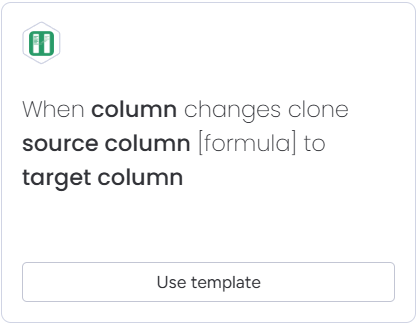
Automations designed to support formula columns include [formula] in their sentence, e.g.:
Notes about formula column automations
-
All formula operations are supported.
-
Formulas referencing mirror columns are partially supported. In case you get an error that your formula is not supported, you have two options:
- Clone mirror column to a standard column using mirror column automation and use this standard column in the formula.
- Contact us, and we’ll do our best to support your formula as soon as possible.
Supported date formats (formula to date column)
When copying a formula result to a date column, the formula must return a string in one of the following formats:
| Example | Format |
|---|---|
2026-06-05T12:00:00Z | ISO 8601 |
2026-06-05 | yyyy-MM-dd |
Jun 05, 2026 | MMM dd, yyyy |
05, June 5th 2026 | dd, MMMM Do yyyy |
Thursday, June 5th 2026 | dddd, MMMM Do yyyy |
05 Jun, 2026 | dd MMM, yyyy |
05, Jun, 2026 | dd, MMM, yyyy |
Jun 05, 2026, 3:30 PM | MMM dd, yyyy, h:mm a |
June 05, 2026, 3:30 PM | MMMM dd, yyyy, h:mm a |
Jun 05, 3:30 PM | MMM dd, h:mm a |
All formats with time also support timezone suffixes (e.g. EST, PST, CET).
Formula automation change trigger
The app supports triggering automations when a formula column recalculates. This is useful when you want to keep a formula column and its copied value synchronized automatically.
The automation triggers whenever the formula is recalculated. This does not necessarily mean that the formula result has changed.
Limitations
The formula change trigger will not activate in the following situations:
- When formula references {Group} and group changes
- When formula references {Board} and board name changes
- When formula references {Name} and board name changes
- When formula references {Person#Names}, {Person#Emails} or {Person#PhoneNumbers} and person’s name, email or phone number changes
- When TODAY() function gets recalculated
All other scenarios are supported, including nested formulas and formulas that reference mirror columns.